
The Bitter Lesson of Browser Agents
Keon Kim and Krish Chelikavada

Browser agents started as products that owned the whole loop: understand the goal, read the page, decide what to click, recover from failures, and return an answer.
That made sense when general models were weaker. Browsing is not a clean API. The web is dynamic, adversarial, stateful, authenticated, rate-limited, and full of visual and semantic traps. Early systems needed a lot of browser-specific scaffolding because the model could not reliably hold the plan, inspect the page, and recover at the same time.
The trend is now clearer. Planning is moving into general LLMs. The browser layer is becoming more tool-like.
The browser agent is not disappearing. It is being absorbed upward into the model and downward into infrastructure.
The bitter lesson
Rich Sutton's Bitter Lesson is that general methods that scale with computation eventually beat systems built around hand-designed human knowledge. In browser agents, the hand-designed knowledge is not only prompts. It is the whole middle layer: planner modules, page summarizers, DOM heuristics, action wrappers, retry policies, recovery loops, and browser-specific agent policies.
Browser Use's agent-framework post makes the same argument in agent terms: the value is increasingly in the model, while abstractions freeze assumptions about how intelligence should behave. A wrapper that helps a weak model can become a constraint for a stronger one.
That does not mean infrastructure goes away. Browserbase's harness post is right about the production side: real browser agents need identity, security, credential brokering, prompt-injection defenses, caching, memory, observability, and replay. But those are runtime responsibilities. They are not the same as asking the harness to be the planner.
The useful distinction is simple:
- The model should own strategy, planning, recovery, and judgment.
- The browser layer should expose state, actions, traces, identity, safety, and replay.
The middle gets thinner as models get better.
Why browser agents exist
Web tasks are hard because the browser is both an interface and an environment.
A useful agent has to click and type, but it also has to notice when the page changed, understand hidden state, handle popups, decide whether a source is reliable, avoid prompt injection in page text, preserve login state, and know when the task is finished.
Benchmarks exposed different parts of this problem. Mind2Web made real websites and diverse interaction patterns central. WebVoyager tested live web navigation. AssistantBench pushed toward longer, research-heavy tasks that require planning, evidence gathering, and cross-site synthesis.
The question is no longer whether a model can use a browser. It is where the browser-specific intelligence should live.
Three approaches
There are three broad answers.
1. Vertical browser agents
The first approach is a vertical browser agent. The browser system owns the whole loop: planning, page reading, clicking, recovery, verification, and the final answer.
This is clean for users. They pass in a goal and get back a result. It also makes sense for narrow products where the workflow is specific enough to optimize end to end: scraping, research agents, QA agents, web data extraction, form filling, or another repeated browser workflow.
The weakness is the general-purpose case. A vertical browser agent has to keep up with two fast-moving frontiers at once. General LLMs are getting better at long-horizon planning, tool use, and recovery. Browser-specific tools are also getting better at exposing state, screenshots, traces, auth, and replay. A product that tries to own both frontiers can end up satisfying neither.

Vertical systems still matter. The mistake is assuming every browser task should become a standalone browser-agent product. As general models improve, more of the planning pressure moves out of the browser product and into the model that already owns the larger task.
2. Browser mini-agents
The second approach is a browser mini-agent that works inside a general agent.
This is a separation of concerns. The general agent owns the trajectory: the long-term plan, strategy, context, and final judgment. The browser mini-agent owns a bounded browsing step: inspect this page, complete this action, extract this piece of evidence, or recover this local UI path.
Alumnium's WebVoyager write-up is a clean example. Claude Code owns the broader task. Alumnium handles browser execution through a smaller browser-specific layer and returns a concise summary of what changed. Stagehand sits in a similar middle space with act, extract, observe, and agent primitives. It gives developers deterministic control for critical paths and more agentic execution when needed.

This shape is useful because it keeps browser noise out of the main context. The general agent does not need every DOM snapshot, click, wait, scroll, retry, and accessibility-tree update. It can delegate a bounded operation and keep planning.
The risk is duplication. If the browser mini-agent starts making strategic decisions, the system now has two planners. The main agent plans. The browser agent also plans. Failures become harder to understand because the boundary between trajectory and action blurs.
Mini-agents are strongest when they stay bounded: take a local browser subtask, execute it, return evidence, and get out of the way.
3. Tool-like browser harnesses
The third approach is an LLM-free browser tool or harness for a general model.
Here the browser layer does not try to be an agent. It exposes browser state and browser actions: snapshots, screenshots, refs, CDP, files, tabs, network events, traces, replays, auth state, and escape hatches. The general model decides how to use them.
agent-browser is an example of this direction: compact text output, ref-based element selection, browser sessions, screenshots, network tools, and shell-friendly commands for agents such as Claude Code, Codex, Gemini, Cursor, and Copilot. browser-harness takes a similar thin-harness view around a running Chrome or Chromium CDP endpoint, with domain skills that agents can generate from successful runs.
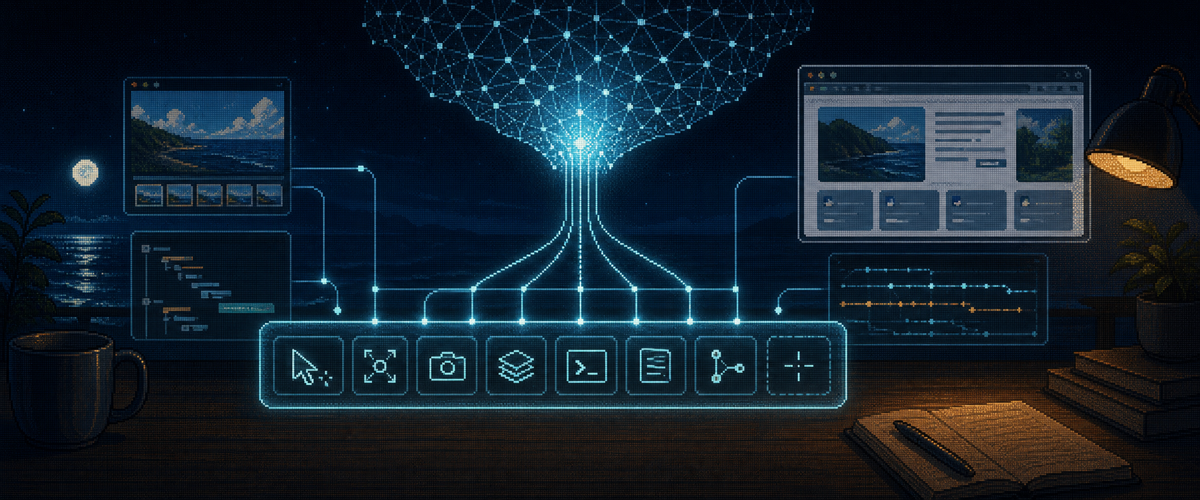
This approach is most aligned with the Bitter Lesson. It gives the model a broad action space and a faithful enough view of the browser, then moves safety and production concerns into the runtime around it.
The harness still matters. It should compress context, preserve evidence, protect credentials, manage identity, sandbox dangerous actions, and make failures inspectable. But it should avoid becoming a second reasoning system unless the task really needs one.
Our view
Our current bet is that the long-term center of gravity moves toward general models plus tool-like browser runtimes.
Lumen is useful when a coding agent needs a bounded browser specialist: a vision-first browser mini-agent that can execute a browsing subtask and return replayable evidence.
browser-control is the cleaner direction when the model is strong enough. It is a small browser tool layer for controlling real browsers, capturing state and screenshots, evaluating scripts, and preserving traces. It gives the model browser leverage without adding another planner.
We tested both shapes. So far, the strongest pattern for us has been a very capable general model using a thin browser-control layer. The model already knows how to plan, inspect, recover, and write code. The browser layer works best when it provides state, actions, screenshots, traces, and escape hatches without trying to outguess the model.
That combination helped us reach the top entries for WebVoyager and AssistantBench.
The conclusion is not that browser harnesses disappear. It is that the browser harness becomes infrastructure. It carries the browser, protects the user, records the evidence, and exposes the right controls.
The planning moves into the general model.
For the benchmark results and the model-interface lessons behind this direction, read When Browser Harnesses Help, and When They Hurt.
Citation
Please cite this work as:
Kim, Keon and Chelikavada, Krish, "The Bitter Lesson of Browser Agents", Om Labs, Jun 2026.
Or use the BibTeX citation:
@article{kim2026thebitterlessonofbrowseragents,
  author = {Keon Kim and Krish Chelikavada},
  title = {The Bitter Lesson of Browser Agents},
  journal = {Om Labs},
  year = {2026},
  note = {https://omlabs.xyz/blog/browser-agents},
}